Learn AVID...while your at home drinking beer! If you want to work on high end scripted television and film you need to master AVID Media Composer. This course will cover every aspect of creating, importing, editing, and exporting a finished video using AVID software with over 180 extremely short training videos no longer than 5 mins each. Using provided media files, projects and bins, watch and edit along with tutorials completely at your own pace. Everything learned here can be applied to any type of film/video created, whether a 2 hour documentary or a 10 second YouTube ad. You can download the 30 day free trial version of the software right here. AVID trial version

.

Learn AVID Media Composer while editing with our provided media files, projects and bins alongside short concise five minute tutorials. As a a beginner you can go from launching the program to the final export or if you are a more experienced Premiere or Final Cut editor, just jump to whatever topic you want using the course curriculum listed below as your guide. You have access to these videos forever!
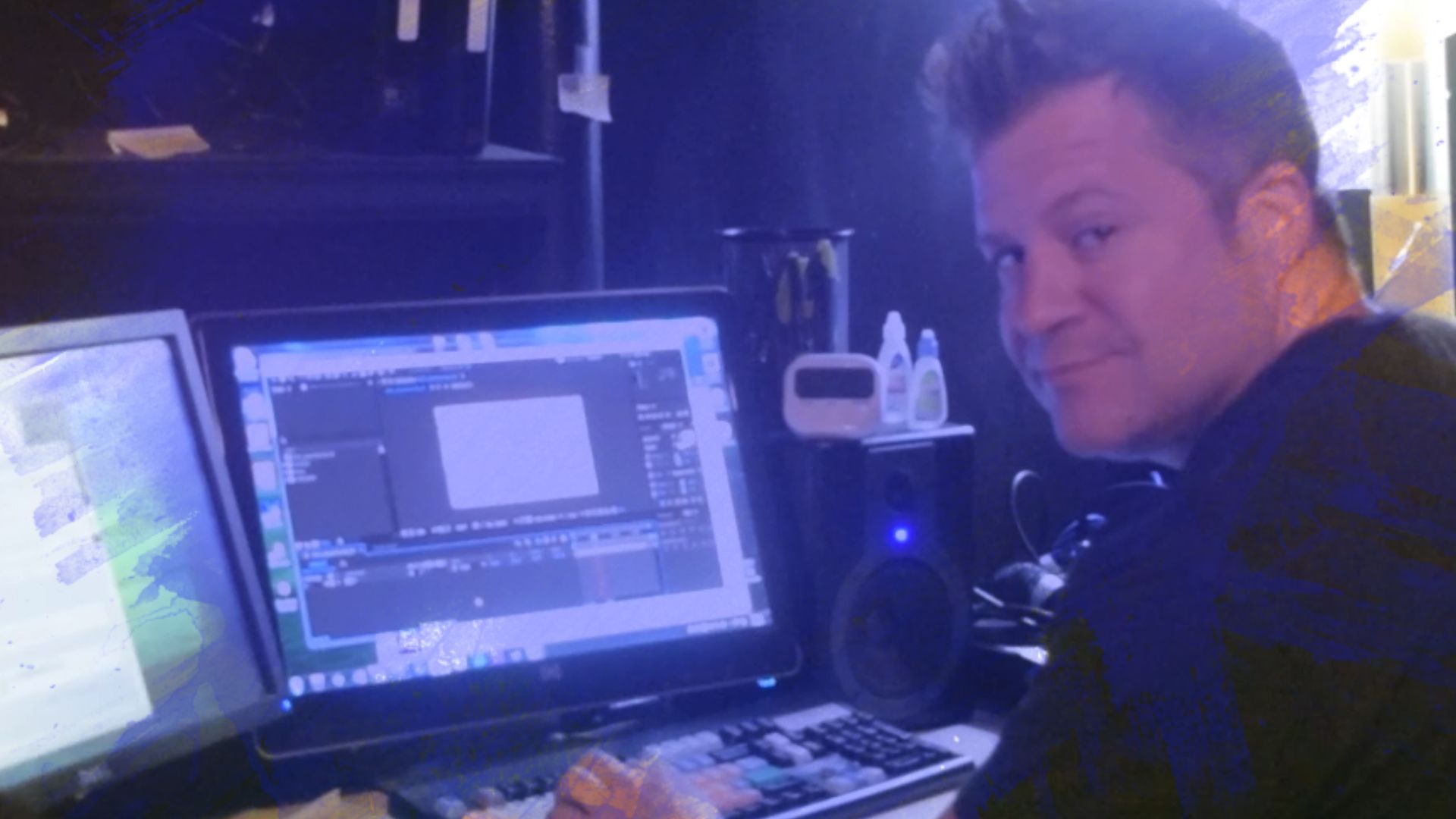
Image23

Your Instructor

Brian Thomas

I grew up as a working class kid from Long Island who had no connections whatsoever in the TV/Film industry who is now an Emmy nominated Motion Picture Editors Guild member for two decades.


There are many ways to edit on AVID but some ways are much faster and better than others and this course will show you the best and most efficient ways from someone who has spent the last 20 years in New York editing for the Maury Povich show, the New York Mets, and countless corporate and social media videos. Your valuable free time drinking beer will not be wasted learning things never used in the real world and while this class will be particularly useful for short form social media, reality, sports and news editing, the way you will learn to use the keyboard to manipulate every type of footage will 100 percent apply to any type of project including Hollywood feature films. I've talked to a lot of new video editors and even more Adobe Premiere editors who think AVID is really hard to learn but that is not the case and this course is here to prove it.


Most importantly, I've been a incredibly proficient beer drinker for over 29 years.

Course Curriculum


1--Quick Tips On Taking the Course

2--Set Up External Hard Drives

3--Set Up Avid Projects Folder

4--The Select Project Window

5--Create a New Project

6--Set Up Main Workspace

7--Avid Interface-Pt-1

8--Avid Interface Pt-2

9--Avid Interface Pt-3

10--Set Up Template Sequence Pt-1

11--Set Up Template Sequence Pt-2

11A--Zoom IN and OUT of Timeline

11B--Save Edit Workspace

12--Set Up "Learn To Edit" Project Pt-1

13--Set Up "Learn To Edit" Project Pt-2

14--Import Audio File

15--Avid vs. Premiere Keyboard Shortcuts

16--Marking Clip IN's and OUT's

17--Using Digital Scrub To Find IN's and OUT's

18--Editing Clips Into The Timeline

19--Moving Clips Backward In The Timeline

20--Moving Clips Forward In The Timeline

21--Add Edit and Removing IN's & OUT's

22--Edit BeerFactsVO--Pt-1

23--Edit BeerFactsVO--Pt-2

24--Selecting Clips In The Timeline

25--Copy & Paste Into Source Monitor

26--Slip & Slide Footage

27--Customizing The Timeline

28--Custom Bin Settings--Pt-1

29--Custom Bin Settings--Pt-2

30--How AVID Manages Media

31--Deleting Media In AVID

32--Bringing Back AVID Media

33--Set Up Extend Key--CRASHED

34--Set Up Extend Key--Pt-2

35--Link and Transcode--Pt-1

36--Link and Transcode--Pt-2

37--Link and Transcode--Pt-3

38--Best Way To Trim in AVID

39--Match Frame

40--The Source Browser Window Pt-1

41--Link To Our Main Footage

42--Transcode Our Main Footage

43--Identifying Video Specs

44--Making A Rough Cut-Pt-1

45--Making A Rough Cut--Pt-2

46--Dissolves-Pt-1

47--Render Settings & Removing Dissolves

48--Render In To Out

49--Auto Monitoring Setting

50--Dips To Black

51--White Flashes

52--Audio Mixer

53--Audio Keyframes

54--Importing Music-Pt-1

55--Importing Music-Pt-2

56--Importing Music -- Stereo

57--Mono Vs Stereo Tracks

58--Rubberbanding-Pt-1

59--Audio Waveforms

60--Importing Sound Effects-Pt-1

61--Importing Sound Effects-Pt-2

62--Modifying Audio

63--Audio Timeline Options

64--Panning Audio

65--Zoom In and Out of Timeline

66--Editing VideoGameCheater--Pt-1

67--Editing VideoGameCheater--Pt-2

68--Editing VideoGameCheater--Pt-3

69--Saving Timeline Views

70--Editing VideoGameCheater--Pt-4

71--Making Subclips

72--Making a Broll Select Sequence

73--Source/Record Toggle (Pancake Editing) in AVID

74--Thoughts about editing BROLL

75A--Special Lesson--**MUST WATCH**

75--Making an "Effects" Workspace

76--3DWarp Effect --Pt-1

77--Using Keyframes For Effects

78--Effect Mode Vs. Effect Workspaces

79--Saving Effects To Bins

80--Add Bin To Favorites

81--Transitions, Letterbox & Timecode Generator

82--Image Effects

83--Paint Effect

84--Animatte Tool (Masking)

85--Vignettes

86--Motion Effect Editor--Pt-1 (Slow Motion)

87--Motion Effect Editor--Pt-2

88--Timewarp Effect (Speed Ramps)

89--Freeze Frames

90--ColorCorrection Workspace

91--Import ColorCorrectFootage

92--SetupCCWindows

93--ColorCorrection--Pt-1

94--Color Correcting Shot-1

95--Color Correction Shots 2-3

96--Color Correction Shots 4-5

97--Export Keyboard Shortcut

98--Exporting JPEG files

99--Exporting WAV files

100--Exporting MXF Files

101--VideoCodecs--Basic--Pt-1

102--Export MP4 files

103--Converting MXF to MP4

Frequently Asked Questions


The course starts now and never ends! It is a completely self-paced online course - you decide when you start and when you finish.

How does lifetime access sound? After enrolling, you have unlimited access to this course for as long as you like - across any and all devices you own.

We would never want you to be unhappy! If you are unsatisfied with your purchase, contact us in the first 30 days and we will give you a full refund.
Made in FreshLearn